Account Settings
My Profile
Your profile at DECTRIS D.LAB consists of your first and last name, email, organisation, ORCID, affiliation type, and country. This information is necessary to uniquely identify you as a researcher in a growing community.
Updating profile information
Log in to the D.LAB web app with your account and click the round icon with your initials in the top right corner. Access "My Account", update any of the fields as needed, and click "Save Profile."
Change password
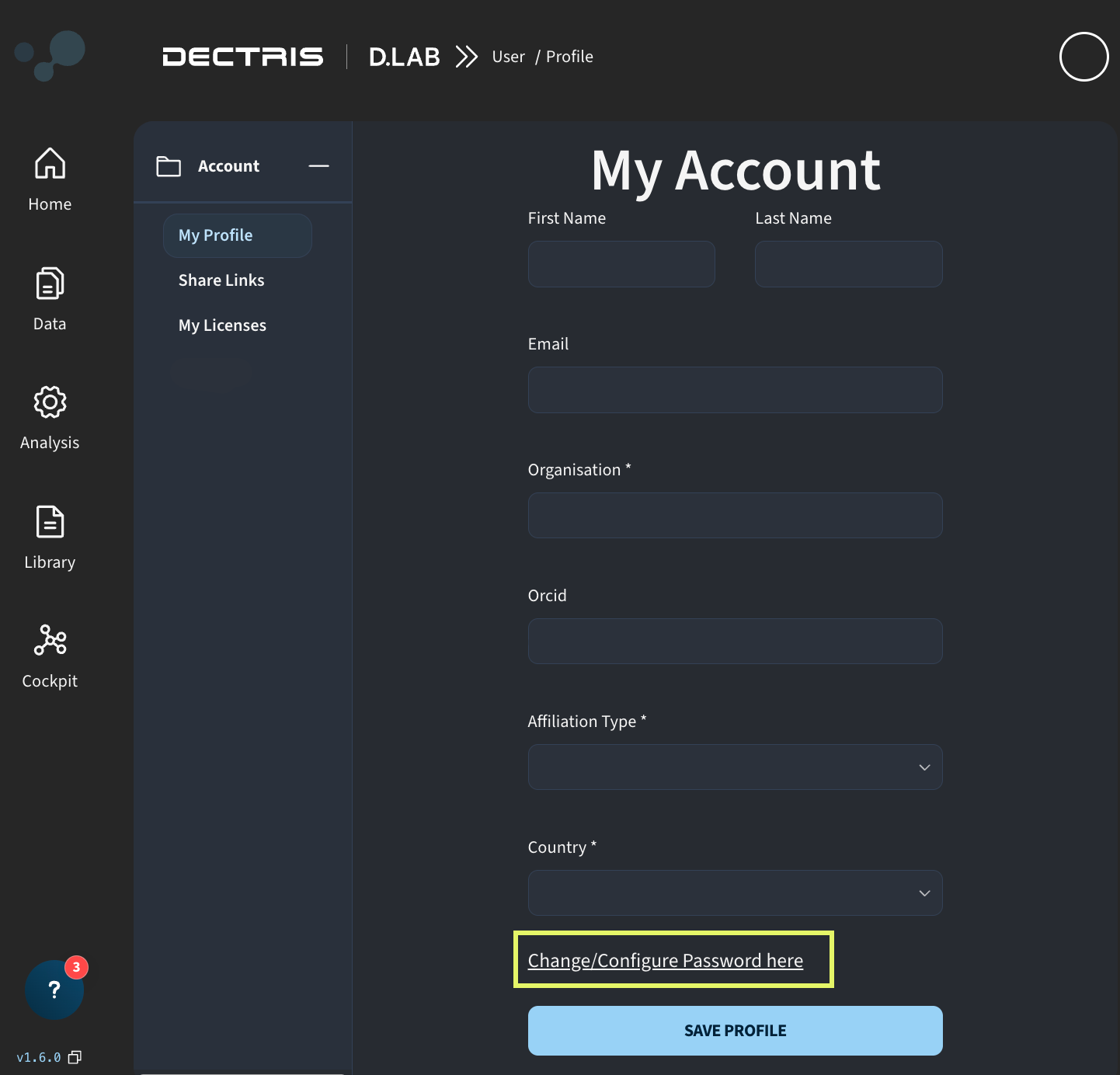
On the "My Account" page, click "Change/Configure Password here," as highlighted below. Follow the email instructions to reset your password.
Share Links
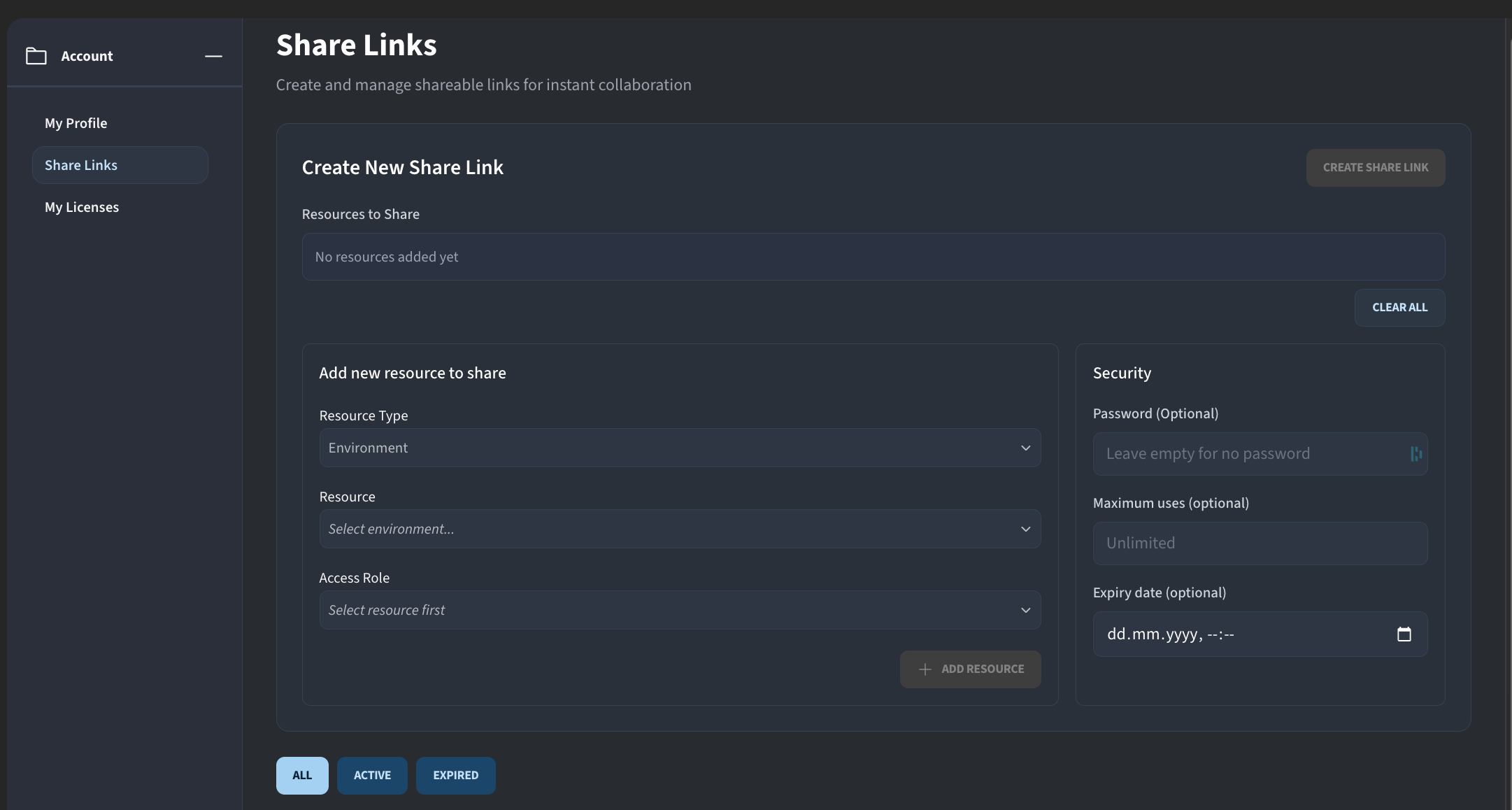
Share Links let you share environments, job templates, or projects with a group of people by generating a single link, rather than inviting each person by email individually. A single share link can bundle multiple resources together. Anyone with the link can access the shared resources according to the settings you define.
For each resource added to a share link, you can assign an access role (Manager, Member, or Viewer) to control what recipients can do with it. You can also optionally configure:
- Password: require a password to access the resources via the link
- Maximum uses: limit how many accounts the link can be used to grant access to
- Expiry date: set a date after which the link is no longer valid
Share Links can be accessed from the "My Account" page.
My Licenses
This page shows all licenses available to you, both personal licenses and licenses shared through a lab. Each license displays its status and expiry date.
If you've been given a license ID and activation code, click "Activate License" to add it to your account.
