UC #3 : CryoEM Proteasome
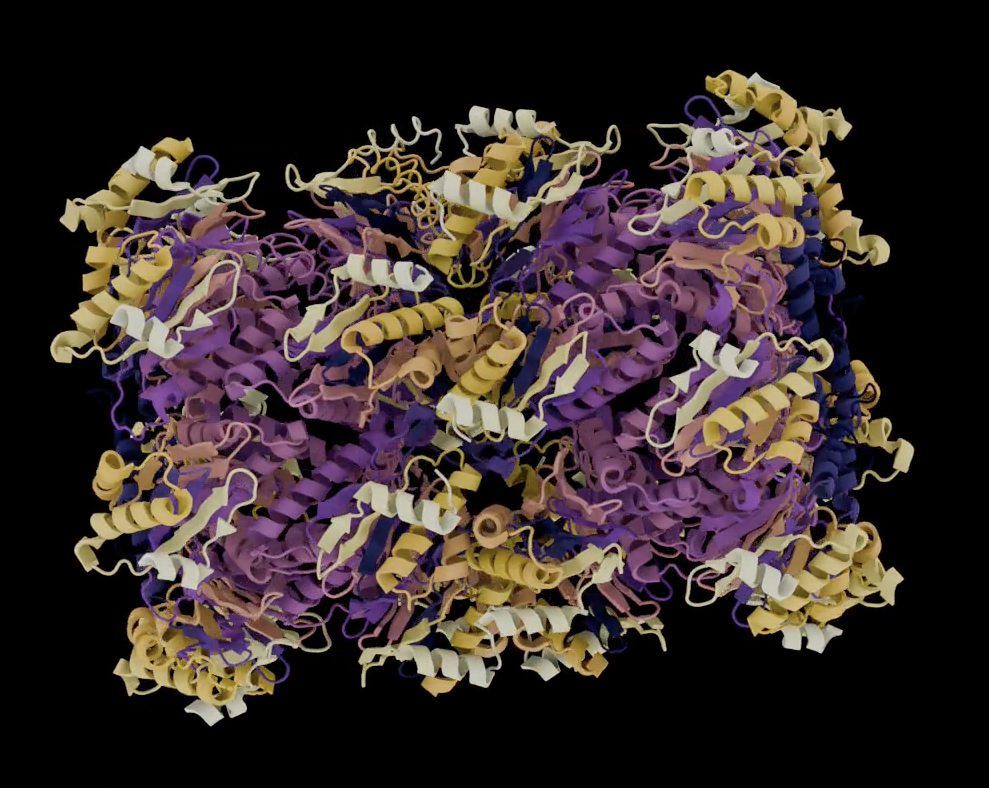
Solve the structure of the proteasome!
Learn how to easily repeat a CryoSPARC refinement in RELION.
Get access to the necessary Job Templates here:
https://app.dectris.cloud/sections/user/share-links/7ZDmN_J98cZUK6bhZQcF6
Extended License Information
Click on your initials in the top right and go to "My Licenses" > "ACTIVATE LICENSE".
You will be prompted to add the following details:
Licence ID: LCID-IUCR-WORK
Activation code: 62411364
Step-by-step
- Create a new Project
- Go to Projects
- Create New Project
- Choose Region US
- Run CryoSPARC to RELION conversion
- Go To Library > My Templates
- Find the “CryoSPARC to RELION conversion” Job
- Select and click “Run Job” on the bottom right
- For “cryosparc_project_dir” enter Project “IUCr Workshop : Group A/B/C/D” by double-clicking and navigate to the CryoSPARC project dir: processed/CS-automated-workflow
- For “output_parent_dir” enter your newly created Project and select the "processed" subfolder
- Click CONTINUE
- Check “Show advanced”
- Set “DC_COPY_IMAGE_DATA” to True
- Click CONTINUE
- Stick to the defaults and click RUN JOB
- Wait for the Job to finish (~8 min)
- Run Relion Refine3D
- Go To Library > My Templates
- Find the “Run RELION Job” Job
- Select and click “Run Job” on the bottom right
- Browse to and select the RELION project dir at “<your new project>/processed/relion_from_cryosparc”
- Click CONTINUE
- Enter this as “DC_RELION_COMMAND”:
relion_refine_mpi --o Refine3D/job011/run --auto_refine --i Refine3D/job010/run_data.star --ref Refine3D/job010/run_class001.mrc --firstiter_cc --trust_ref_size --ini_high 60 --dont_combine_weights_via_disc --scratch_dir /scratch --ctf --particle_diameter 190 --healpix_order 4 --sym D7 --j 5 --pipeline_control Refine3D/job011/- Click CONTINUE and click RUN JOB
- Share the Job
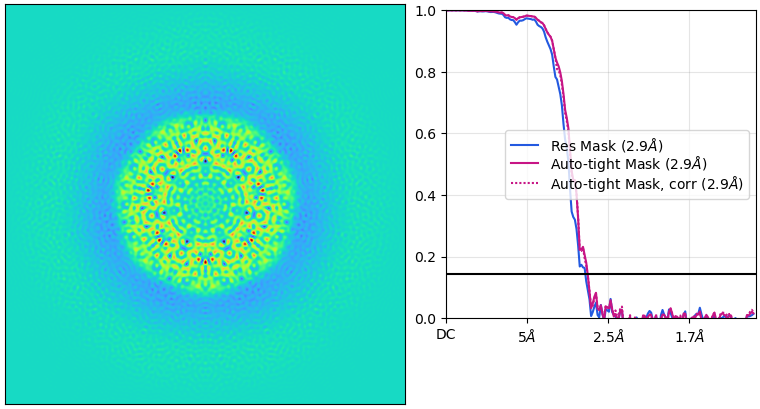
- After the Job is finished (~30 min), check if CryoSPARC’s resolution was reproducible by RELION
- Why did the resolution differ from the CryoSPARC result?
- Share the link on social media and tag us!
- Optional: Refine the Refine3D parameters to see if you can get a better resolution!
References:
Campbell, M. G., Veesler, D., Cheng, A., Potter, C. S., & Carragher, B. (2015). 2.8 Å resolution reconstruction of the Thermoplasma acidophilum 20S proteasome using cryo-electron microscopy. eLife, 4. https://doi.org/10.7554/elife.06380
Punjani, A., Rubinstein, J. L., Fleet, D. J., & Brubaker, M. A. (2017). cryoSPARC: algorithms for rapid unsupervised cryo-EM structure determination. Nature Methods, 14, 290–296. https://doi.org/10.1038/nmeth.4169
Scheres, S. H. W. (2012). RELION: Implementation of a Bayesian approach to cryo-EM structure determination. Journal of Structural Biology, 180, 519–530. https://doi.org/10.1016/j.jsb.2012.09.006
Asarnow, D., Palovcak, E., Cheng, Y. UCSF pyem v0.5. Zenodo https://doi.org/10.5281/zenodo.3576630 (2019).