Known issues
This page lists known issues in DECTRIS D.LAB, along with recommended workarounds. We actively monitor these issues and update this page as improvements are made.
VPN Can Block Session Connection
Issue
Some VPN configurations can prevent a successful connection to your DECTRIS D.LAB session.
Symptoms
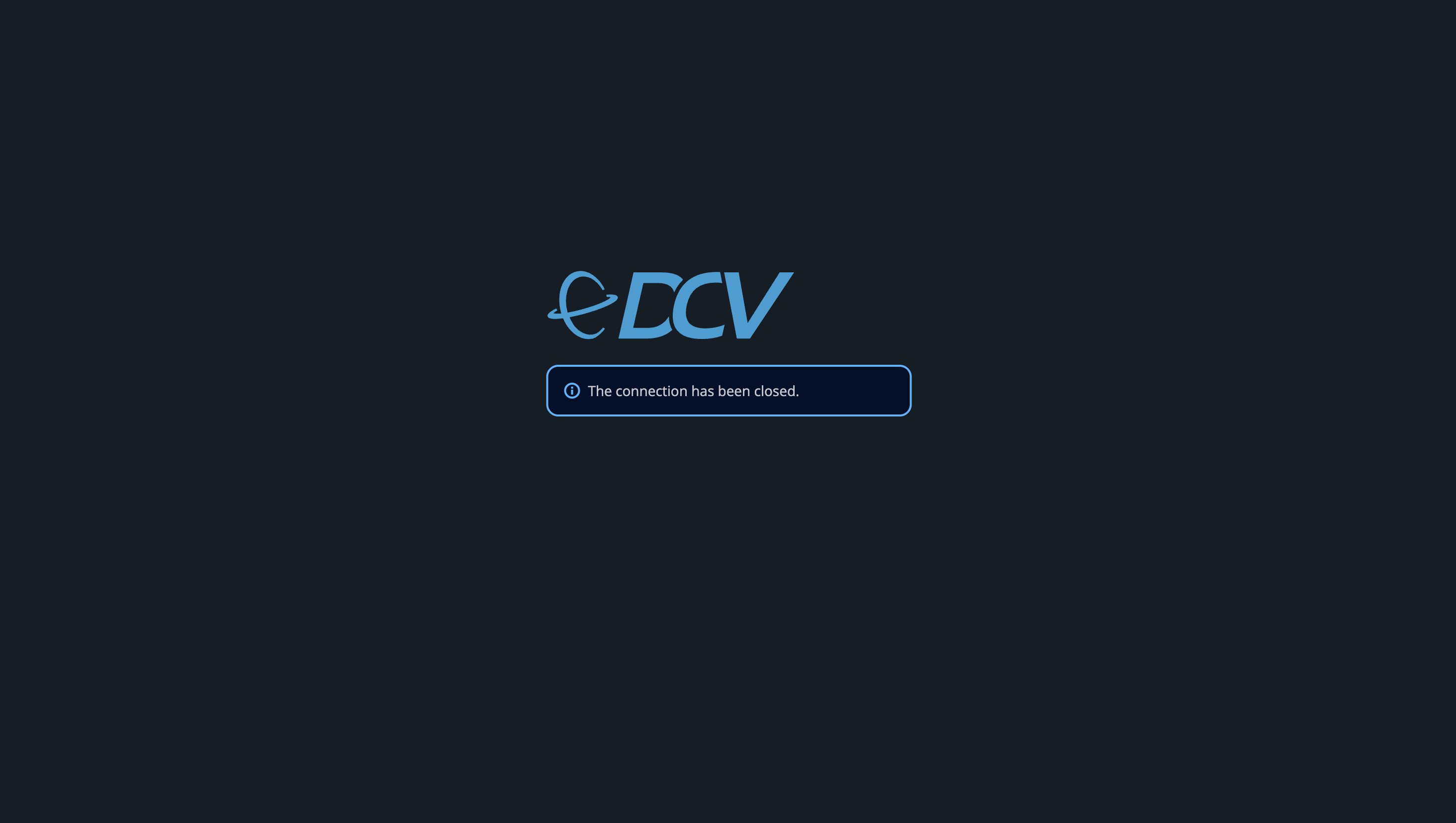
- After starting a session, it is not possible to connect to the session at all. The session tab shows the error "Connection Closed"
Workaround
- Disconnect from your VPN and try connecting again
- Make sure you have not opened the session tab several times
Session Crashes Due to Memory Limits
Issue
If a session exceeds its available memory, it may crash and become unreachable.
Symptoms
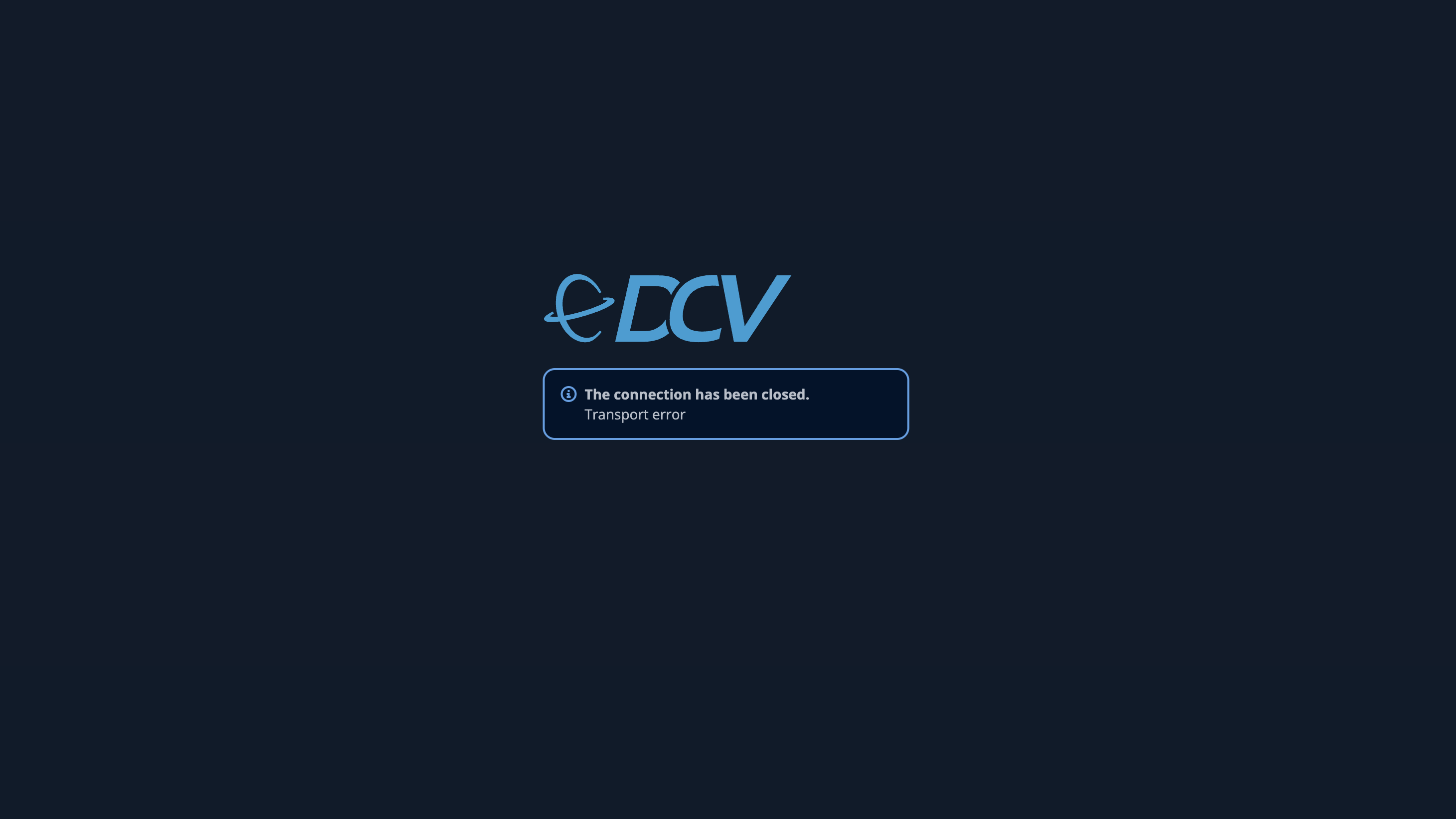
- Session suddenly disconnects with the error message "Transport error":
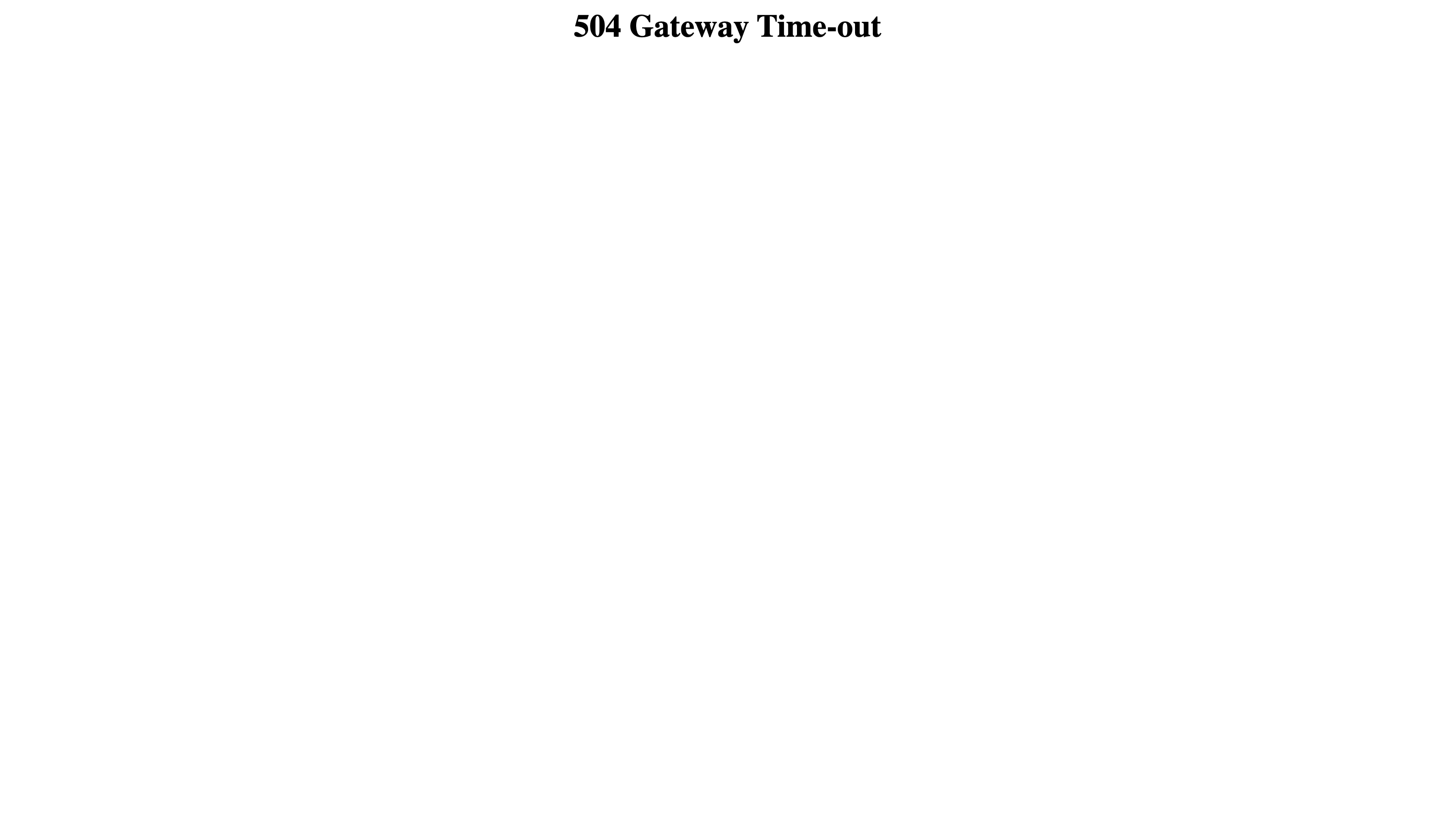
- When closing the tab and trying to start the session again, you get an error message "504 Gateway Time-out":
- Session appears to be running but cannot be accessed
Workaround
- Stop the session and start the session again
- If you repeatedly encounter memory issues, start a new session with more RAM
Note: Any unsaved work in the session will be lost when the session crashes.
Persistent Black Screen After Session Start
Issue
In rare cases, a session may start but only display a black screen, even while waiting a long time after session start.
Symptoms
- Session starts successfully and goes into a running state.
- Browser window shows a black or blank screen
Workaround
- Stop the session and start the session again
Project or Experiment Folders Become Unmounted Inside of Session
Issue
Project or experiment folders mounted under the /dectris_data path can unexpectedly become inaccessible during a session.
This can occur after encountering the error message “Transport endpoint is not connected”, which indicates a problem with the underlying file system mount.
Symptoms
- Folders under
/dectris_dataare no longer accessible - File operations fail (e.g. listing, reading, or writing files)
- Error message: Transport endpoint is not connected
Workaround
- Stop the session and start it again to re-mount the folders
If the issue persists
- If the folders are still not accessible after restarting the session, contact DECTRIS support at support@dectris.cloud
- Include the session ID, if possible, to help with troubleshooting